Mobile Ordering
Grubhub Mobile Ordering
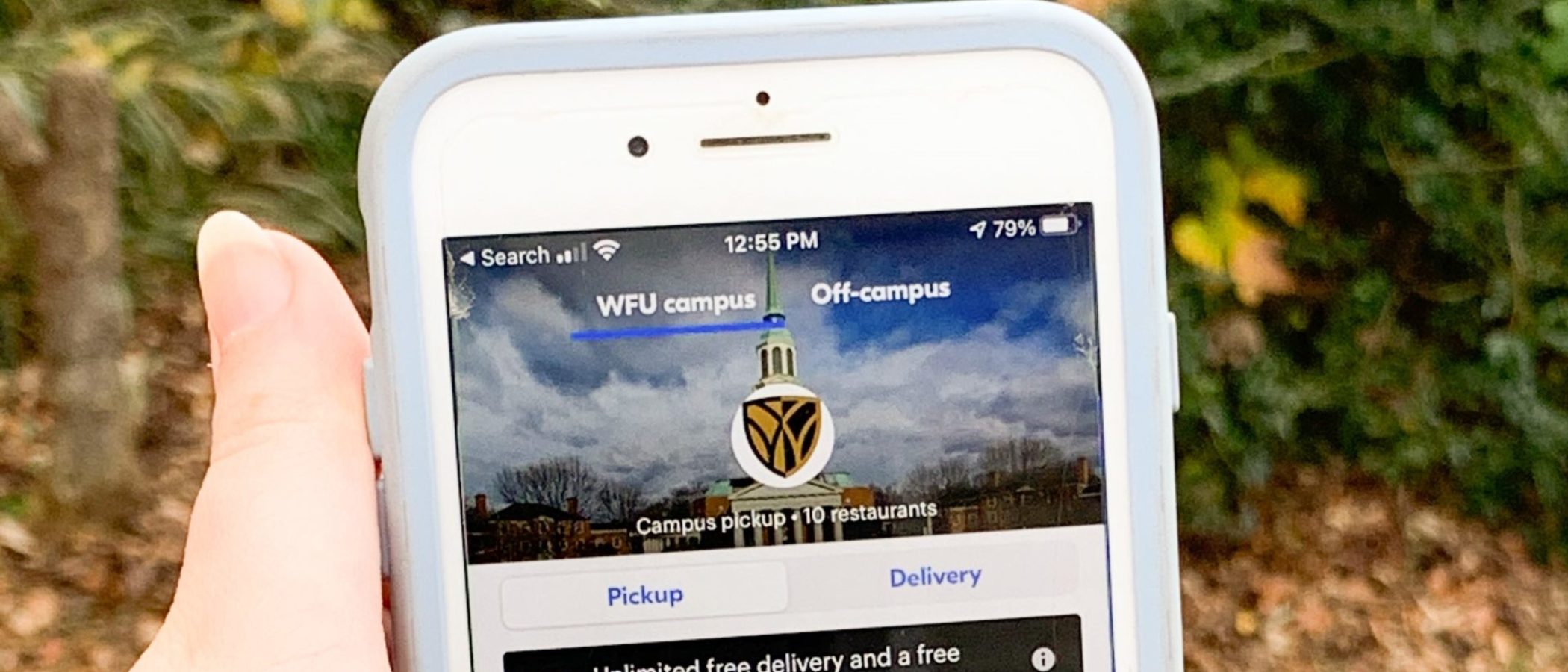
Grab your favorite meals from our retail locations on campus with Grubhub Mobile Ordering. You’ll save the time spent ordering in person and waiting for your meal and be able to pick up at your convenience.


How to Order
Order ahead and save time in your day by following these steps!
1. Download the Grubhub Mobile Ordering app from your phone’s App Store
2. Select Wake Forest University as your campus
3. Log in with your WFU e-mail
4. Select a location and order for pickup!
When you sign-up with your WFU e-mail, your meal plan is loaded on the app and you can pay with Old Golds, Food Dollars, and Deacon Dollars. This app also accepts debit and credit!
Download the Grubhub Mobile Ordering app today and get ordering!